FEATURE
USER ROLES

BENEFITS OF USER ROLES
By limiting permissions, mistakes such as accidental rate changes, double bookings, or data deletions are minimized. Managers retain control over key decisions while staff focus on their specific roles.
A structured role system allows managers to track who made specific changes within the PMS, helping to identify and resolve errors or security concerns quickly.
With no limit on the number of users, you have full flexibility to provide as much or as little access to individuals as you see necessary for their role.
HOW USER ROLES WORK
To add a new user, simply click the email address in the top right hand corner of the screen and click Users > Add New User.
Add their email address, name and choose a role from the drop down box. (You have the option to easily create and customize these roles). Click Save User.
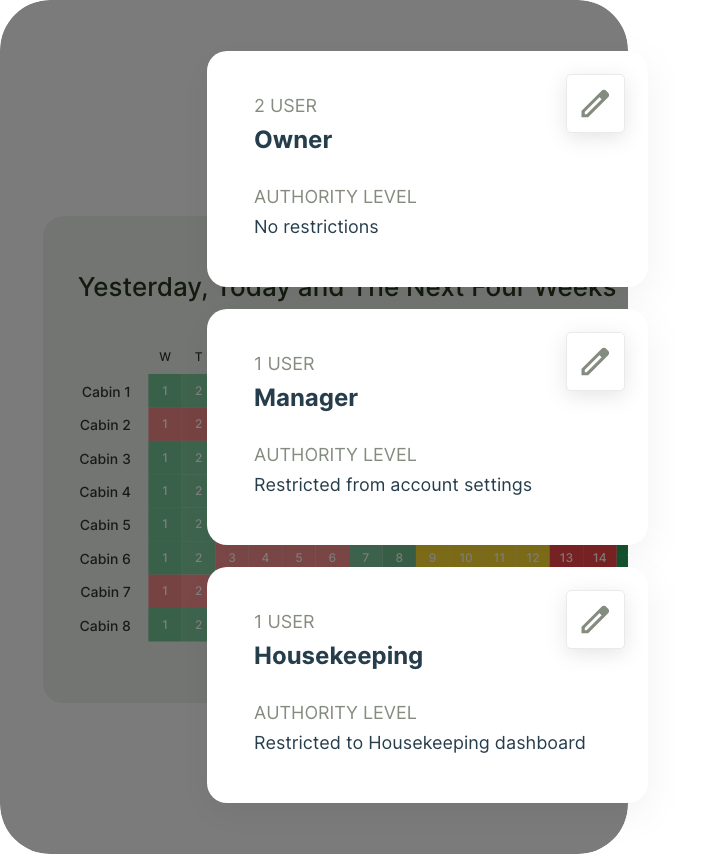
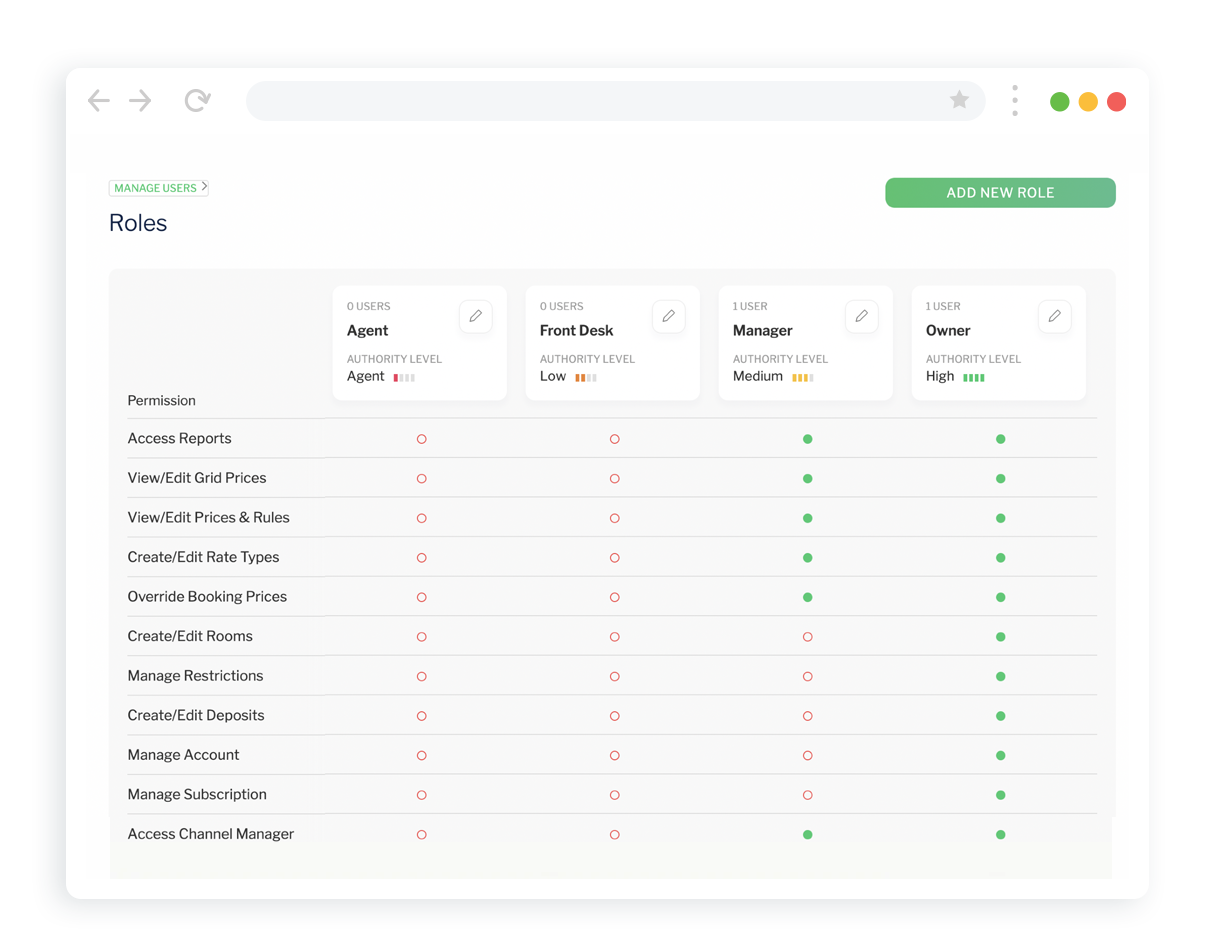
There are four standard user options to choose from: Owner which has as full access to all areas of your Inn Style account.
A Manager can access most parts of your account, with the exception of payment methods, accommodation descriptions, deposits, restrictions, managing users, and subscription information.
Using Front Desk allows the user to add, cancel and amend reservations, search for guests, add notes to bookings, and see notifications.
Agent access can only see availability, add reservations and view/amend/cancel reservations that they themselves have made.
You can edit the access of these standard roles by clicking View Roles from the Manage Your Team table, and clicking in the red circles. This will turn them green and add access to other parts of the account.
With no restrictions on how many users you set up, you can use the pre-configured user roles or set up your own customized ones. User management, simplified.
PROPERTY MANAGEMENT. SIMPLIFIED.
Inn Style’s property management system streamlines all the day-to-day running of your accommodation business, with innovative and simple-to-use products and features, leaving you to focus on growing your business.
TURN YOUR WEBSITE INTO A BOOKING POWERHOUSE
Utilize Inn Style’s integrated booking engine on your website to take direct bookings and increase revenue instantly.
350+ BOOKING CHANNELS
Inn Style’s channel manager displays every reservation, from all your booking channels in one place.
MAKING THE SWITCH TO INN STYLE IS EASY.
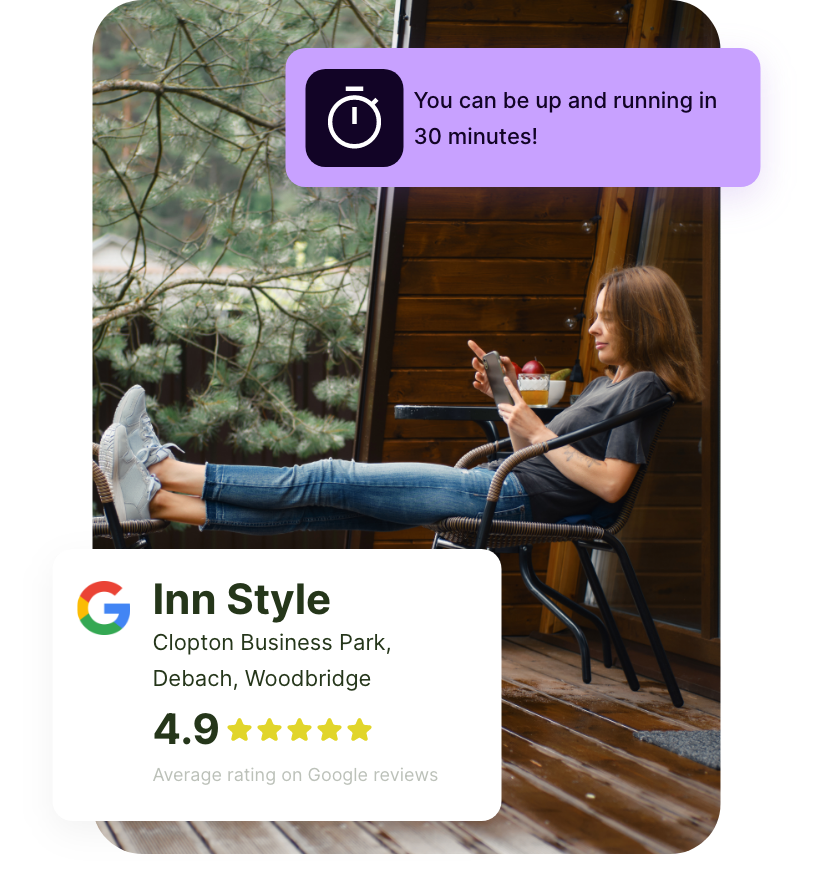
You can sign up and use the Inn Style Property Management System today. Our onboarding specialists will import your past bookings, set up your rooms, rate types and your pictures while you grab a coffee. We’re here to support you every step of the way.