FEATURE
GROUP CAMPSITES BY TYPE
If your campground has multiple identical sites, such as tent pads, RV hookups, or glamping pods, Inn Style’s multi-unit feature allows you to group them together under a single category.

BENEFITS OF Grouping BY site TYPE
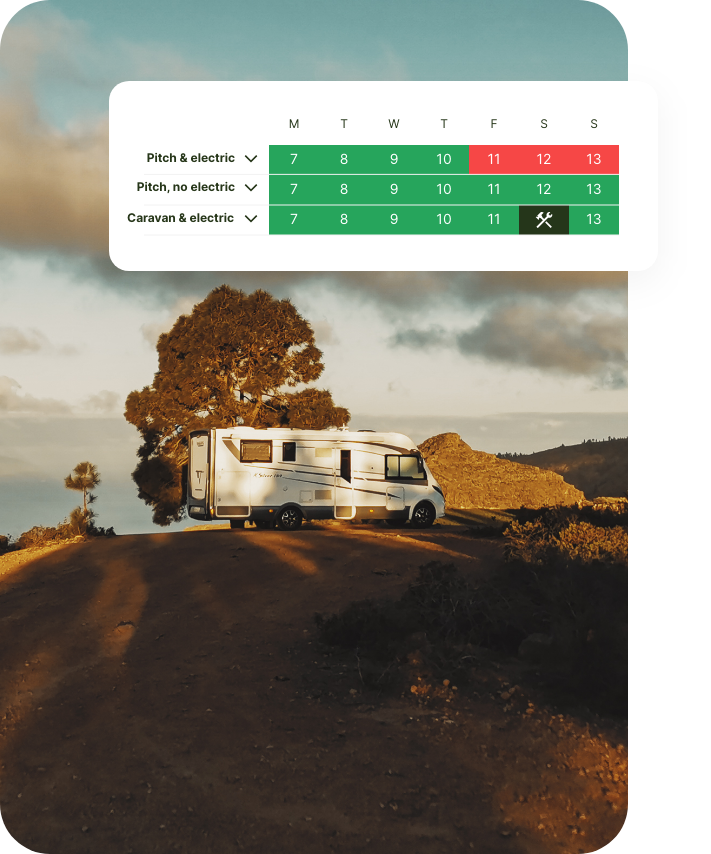
Instead of creating each site separately, you can set up a single site type and add multiple units to it, making it easier to track availability and manage bookings efficiently.
By streamlining your site management, you can simplify reservations, reduce admin work, and keep availability accurate while providing a seamless booking experience for your guests.
Whether you have tent sites, RV hookups, glamping pods or parking bays, this feature allows for better management without overcomplicating availability tracking.
Instead of manually adding each site, simply create one site type and assign multiple units, reducing setup time.
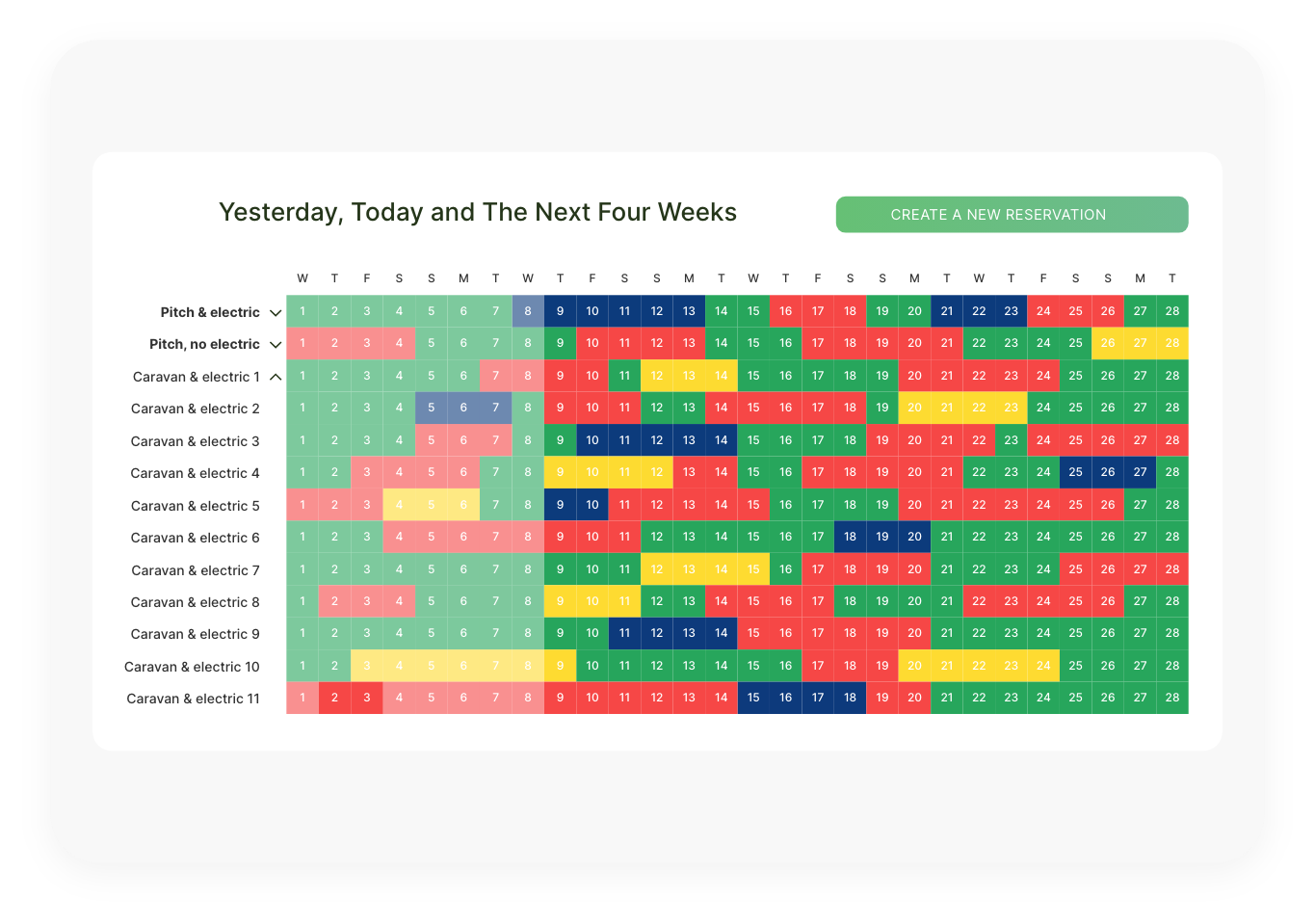
Each site is counted as an individual unit, ensuring that bookings are allocated correctly while maintaining an easy-to-manage booking system.
Guests see only the site type when booking (e.g., “Tent Pad”), while internally, you can track each Tent Pad separately for better site organization.
While guests only see the site type, you can assign internal names or numbers (e.g., “Pad 1”, “Pod A”, “Hookup 3”) to easily keep track of reservations.
HOW grouping BY SITE TYPE WORKS
To create or edit a site type, navigate to Accommodation in your Inn Style dashboard. If you don’t have anything set up yet, click Create New Accommodation. If you already have a site type and want to add multiple units to it, click Edit Site.
Next, to enable multiple units, while editing the site type, find the section “Do you have multiple units? If so, how many?”
Enter the number of identical sites you have here.
Click “Name Your Units”, and a list of auto-generated numbers will appear. You can rename each unit manually. Guests will only see the site type name during booking (e.g., “Tent Pad”), but internally, you will see the individual unit names/numbers for easy tracking.
Finally, to complete the unit set up, fill in the pitch description, occupancy details, and pricing settings as usual. Click Save Accommodation to confirm your changes.
PROPERTY MANAGEMENT. SIMPLIFIED.
Inn Style’s property management system streamlines all the day-to-day running of your accommodation business, with innovative and simple-to-use products and features, leaving you to focus on growing your business.
TURN YOUR WEBSITE INTO A BOOKING POWERHOUSE
Utilize Inn Style’s integrated booking engine on your website to take direct bookings and increase revenue instantly.
350+ BOOKING CHANNELS
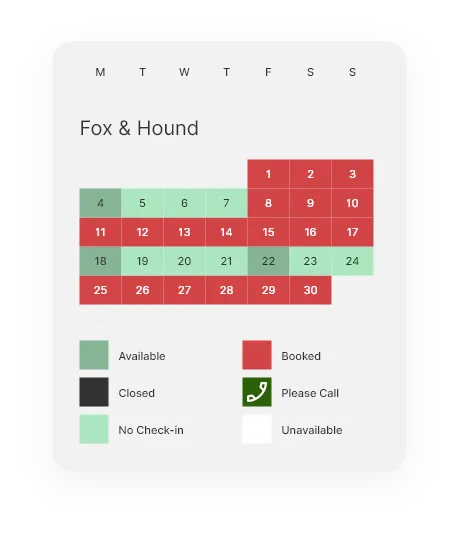
Inn Style’s channel manager displays every reservation, from all your booking channels in one place.
MAKING THE SWITCH TO INN STYLE IS EASY.
You can sign up and use the Inn Style Property Management System today. Our onboarding specialists will import your past bookings, set up your rooms, rate types and your pictures while you grab a coffee. We’re here to support you every step of the way.